Assessment · 2 to 6 weeks
Dynamics 365 Roadmap Assessment
Find out whether Dynamics 365 can run the work your business depends on, what AI comes with it, and how to get there, before you commit to an implementation.
Find out whether Dynamics 365 can run the work your business depends on, what AI comes with it, and how to get there, before you commit to an implementation.
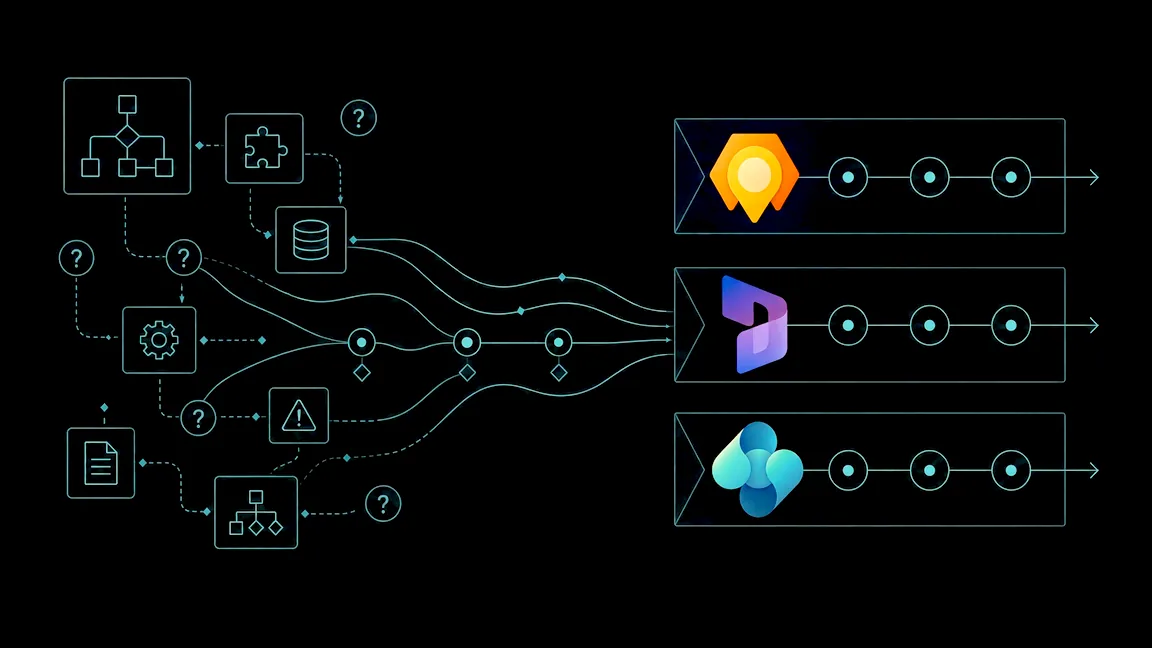
Kumo's Dynamics 365 roadmap assessment tests one or more modules against the processes your business runs on, shows what the licenses and Copilot add, and says plainly where a custom solution would fit better. You finish with a feasibility analysis and a roadmap you can budget and staff the project from.
The processes, systems, and data your business cannot run without, and where they hurt today.
Each module in scope walked against those processes, standard features first, gaps named.
What Copilot in Dynamics 365 already does for you, and where agents built in Copilot Studio extend it.
Phases, effort ranges, integrations, data migration, and the team it will take to deliver.
Typically two to six weeks, depending on how many modules are in scope and how many systems they touch. A single module is at the short end. We scope the assessment with you on a short call, so you know the cost before it starts.
Yes. Sales and Business Central together is the most common pairing, and Field Service, Project Operations, and Customer Insights – Journeys can be added. Assessing them together shows how they share customers, orders, and data.
We say so. Sometimes a module fits most of the work and a Power Platform app covers the rest. Sometimes a custom application fits better than any module. The assessment tells you which, and why.
We show which Copilot features come with the Dynamics 365 licenses you would buy, which need an add-on, and where Copilot Studio agents could take on work like lead qualification or order follow-up. AI goes into the roadmap as phases, not a promise.
You have a roadmap you can take to any partner. If we run the implementation too, it starts from the plan the assessment produced rather than from scratch.
A fit analysis for one or more Dynamics 365 modules, what your licenses and Copilot add, and a roadmap for the project.